
iPhone・iPad・Android のファイルの中身を見る道具

開いたファイルの形で、
見え方が変わる。

JSON は畳める木と色分けに、CSV は見出しを止めて並べ替えと絞り込みのできる表に、Markdown は表やコードまで描いた文書に。UTF-8・Shift_JIS・UTF-16 を自動で見分けるので、文字化けしません。ファイル App の中でも、開かずにそのまま見られます。

App Store・Google Play で配信予定

元のファイルは書きかえません。通信もしません。買い切りで全部の機能が使え、アプリ内課金・サブスクリプション・広告はありません。
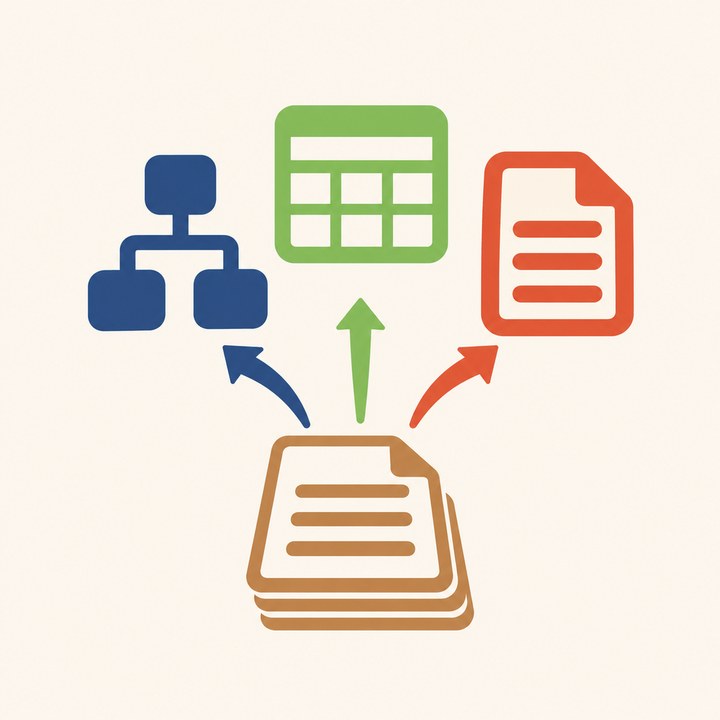
JSON の木と CSV の表と文書が並ぶイラスト

こんな困りごとのために

日本語が文字化けする

BOM の有無・Shift_JIS・UTF-16 を自動で見分けます。手で選び直すこともできます。

編集中に消えた

読むための道具なので、元のファイルを書きかえません。整えた形は別のファイルとして保存します。

壊れた JSON が開けない

最初におかしい文字の行と列を出し、そこまでを見せます。

CSV の中のカンマや改行で崩れる

引用符の中のカンマ・改行・二重の引用符を正しく読みます。

.md が開けない・表が出ない

GFM の表・チェックボックス・コードの色分けまで描きます。

サブスクと同期で全部消えた

買い切り。ファイルの中身を写して持たないので、消えるものがありません。

できること

JSON畳める木・色分け・誤りの行と列・場所のコピー($.items[1].name)・整える/縮める
CSV・TSV見出しと左の列を止めた表・並べ替え・絞り込み・検索・JSON に変えて保存
Markdown見出し・リスト・表・チェックボックス・コード・見出しの一覧・ダークモード
開き方ファイル App・共有・このアプリで開く・Quick Look のプレビュー・大きいファイルは少しずつ

Mermaid の図と数式は描きません。1.0 ではセルの編集はしません。

使い方・プライバシーポリシー・利用規約もご覧ください。

See inside your files on iPhone, iPad and Android

Each file looks
the way its format should.

JSON becomes a foldable, color-coded tree; CSV becomes a table with a frozen header that you can sort and filter; Markdown becomes a document with tables and code. UTF-8, Shift_JIS and UTF-16 are detected automatically, so nothing comes out garbled. See files right in the Files app without opening the app.

Coming to the App Store and Google Play

Original files are never changed, and the app uses no network. One purchase unlocks everything; no in-app purchases, subscriptions or ads.

Illustration of a JSON tree, a CSV table and a document side by side

Made for these problems

Garbled Japanese text

BOM, Shift_JIS and UTF-16 are detected automatically, or pick the encoding yourself.

Lost work while editing

It's a viewer, so your original file is never changed. Formatted versions are saved as new files.

Broken JSON won't open

The line and column of the first error are shown, along with everything up to it.

Commas and line breaks break the CSV

Commas, line breaks and doubled quotes inside quotes are read correctly.

.md files won't open or tables don't show

GFM tables, checkboxes and highlighted code are drawn.

Lost everything to a subscription and sync

One purchase. File contents are never copied into the app, so there is nothing to lose.

What it does

JSONFoldable tree, colors, error line and column, copy a path ($.items[1].name), pretty-print or minify
CSV and TSVTable with frozen header and first column, sort, filter, search, save as JSON
MarkdownHeadings, lists, tables, checkboxes, code, outline, dark mode
OpeningFiles app, share sheet, Open in, Quick Look preview, large files loaded a bit at a time

Mermaid diagrams and math are not drawn. Cell editing is not in 1.0.

See also Help, Privacy Policy and Terms of Use.